
Connect Notion, Gmail, Sheets, Slack, GitHub, QuickBooks and your MCP servers.
Add an MCP server once, with its credentials stored encrypted, and it joins every project you start. No JSON, no pasting keys into config files.
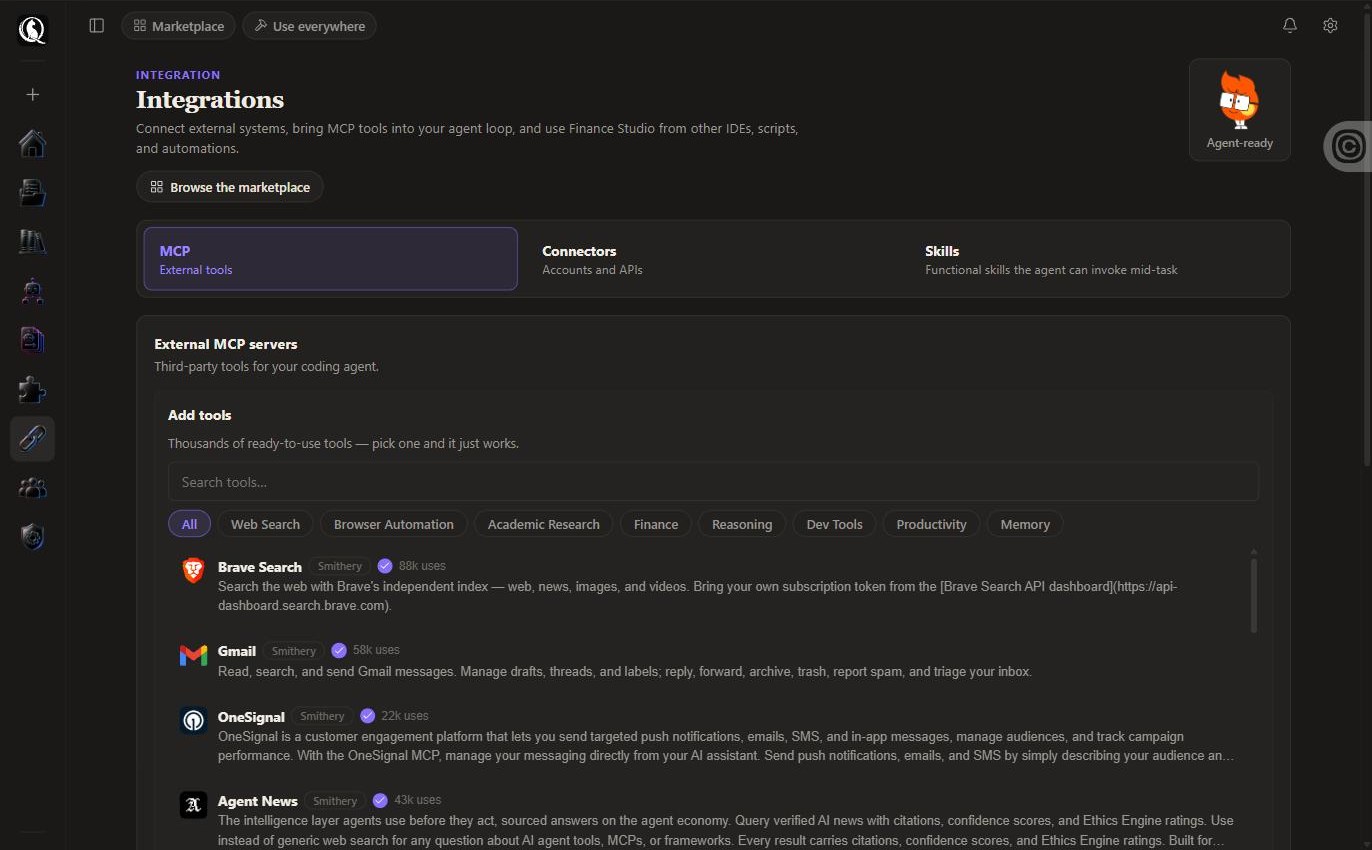
What a new account can connect on day one.
- Notion
- Gmail
- Google Sheets
- Slack
- GitHub
- QuickBooks
- Google Drive
- Google Calendar
- Outlook
- Supabase
- Brave Search
- Exa Search
- Perplexity
Categories in the marketplace: Email & Calendar, Web & Search, Databases & Data, AI & Models, Code & Repos, Social & Chat, Writing & Docs, Business & CRM, Cloud & Ops, Design & Media, Productivity. If the system you run is not here yet, say so on the signup form.
Pick one and it just works.
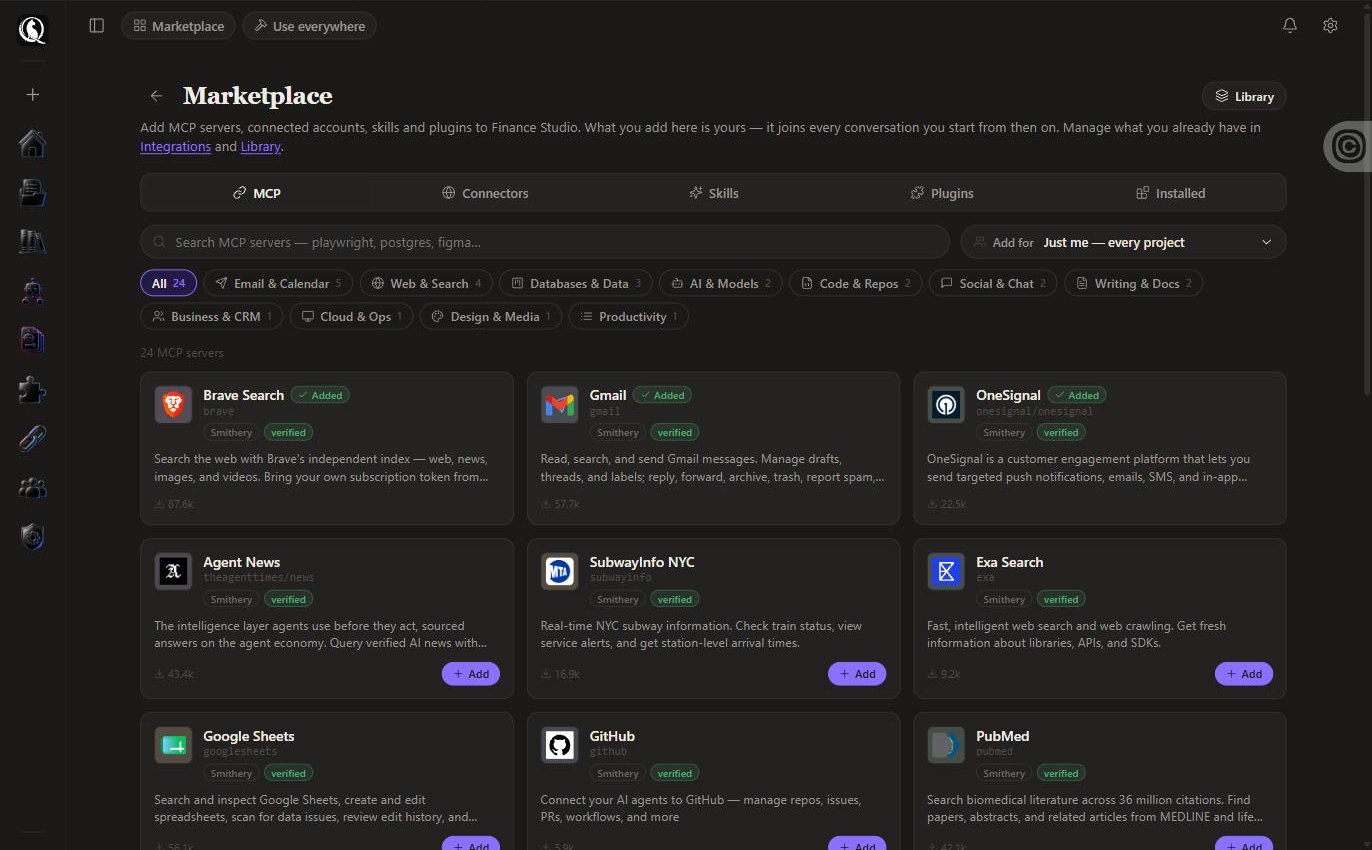
The marketplace lists curated servers from Composio and Smithery, filtered by category. Add for just you, every project, or for the whole team. Private tools ride only in your runs; team tools in everyone’s.
Builders: bring your own servers too, and narrow them per project so the agent only carries the tools it needs.
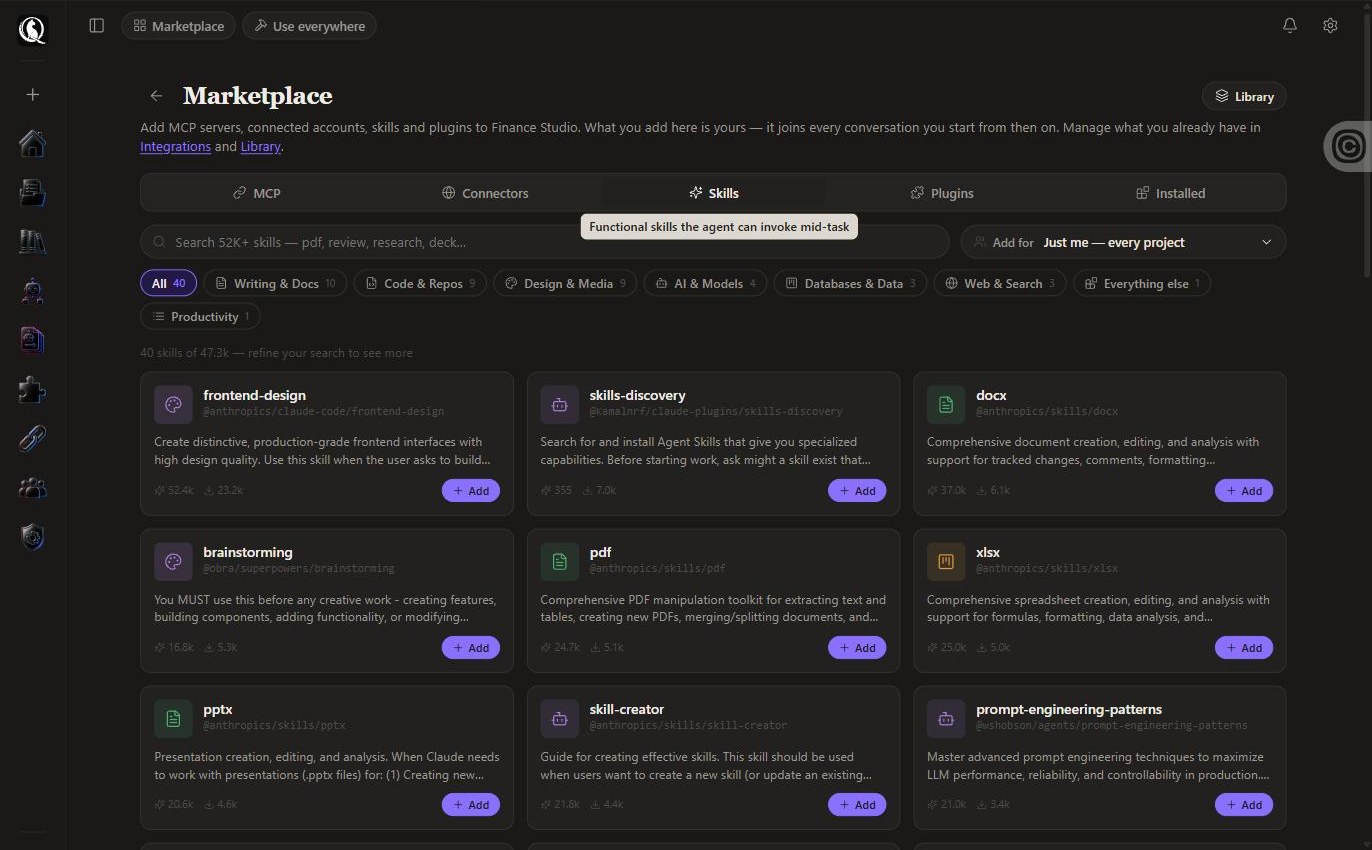
Playbooks the agent invokes mid-task.
Skills are functional knowledge: how to build a .docx with tracked changes, how to lay out a deck, how to debug systematically. Thousands are searchable in the marketplace; install the ones you use and switch them off when you do not.
Tools the agent already has.
Search and read the web, make and convert files, generate images, video and speech. On by default in every project; narrow them per project from Tooling.
web_searchLive web search (Exa, Brave).
toolweb_readRead a page or a PDF from a URL into the project.
toolweb_monitorWatch a URL on a schedule and diff it.
tool
Your IDE, your scripts, your automations.
QGI Studio exposes its tools to other agents: use it from your editor, from a script, or from a workflow, through the same bridge the studio’s own agent uses.
Questions.
- How do I add an integration?
- Open the marketplace, pick the server or account, connect once. It joins every project you start from then on.
- Where are my credentials stored?
- Encrypted, on the fleet, never in a config file you have to edit and never in a log.
- Can I add my own MCP server?
- Yes, remote or local-to-fleet, for yourself or your team.
- Can the agent read everything in my Gmail?
- Only what the connection allows and what you turn on in the project. Narrow tools per project so the agent only sees what it needs.
Add an MCP server once. It joins every project you start.
No credit card. First file in under five minutes. Cancel anytime.